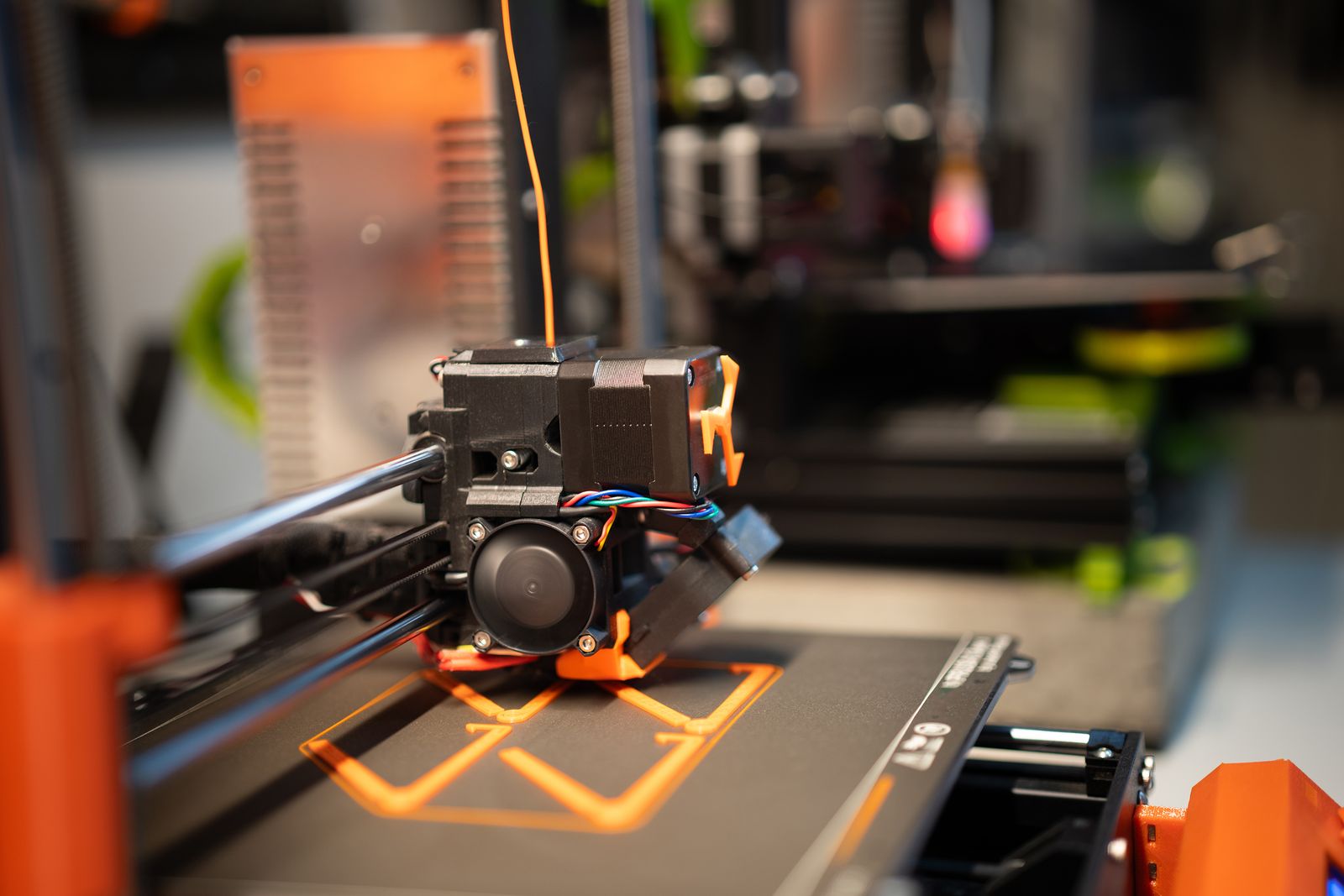
# 24. 3D Printers for Beginners: What Should You Look For?
Buying a first 3D printer can be confusing because specifications do not always tell you how easy a machine will be to use.
For beginners, reliability and automation are usually more important than maximum printing speed or advanced modification options.
A good first printer should let you spend more time printing and less time troubleshooting.
01
Choose FDM or resin first
The first decision is the printing technology.
FDM printers melt plastic filament and deposit it layer by layer.
Resin printers use liquid resin cured by light.
FDM is usually the easier starting point for general-purpose printing because handling filament is cleaner and post-processing is simpler.
Our guide to FDM 3D printers explains how the technology works.
02
Look for automatic bed leveling
The first layer of a 3D print is extremely important.
If the nozzle is too high or too low, the print may fail before it properly begins.
Automatic bed leveling measures the print surface and compensates for small variations.
This removes one of the most frustrating manual setup tasks for beginners.
03
Consider automatic calibration
Modern printers may automatically calibrate features such as:
- bed leveling
- Z offset
- vibration compensation
- filament flow
- resonance
The more reliable these systems are, the less technical knowledge you need before your first successful print.
04
Choose a common filament
PLA is usually the easiest filament for beginners.
It prints at relatively moderate temperatures, produces little warping compared with some other materials and is widely available.
Once you understand the printer, you can experiment with PETG, TPU and other materials.
05
Is an enclosed printer necessary?
Not for basic PLA printing.
Enclosures become more useful for materials that are sensitive to temperature changes.
An open-frame printer can be cheaper and easier to access for maintenance.
However, enclosed printers can offer additional protection around moving and hot components.
06
Think about print size
A larger build volume lets you produce larger objects.
But beginners often overestimate how much space they need.
Many everyday prints fit comfortably on standard consumer build plates.
A larger machine also occupies more desk space.
07
Easy software matters
The slicer converts a 3D model into instructions the printer can follow.
Beginner-friendly presets make this much easier.
Look for printers supported by established slicing software and with good default profiles.
You should be able to start with presets before learning every advanced parameter.
08
Replacement parts and support
No 3D printer is completely maintenance-free.
Nozzles wear out, build surfaces become damaged and mechanical parts may eventually need attention.
Choose a printer with replacement parts that are easy to obtain.
A large user community can also make troubleshooting much easier.
If you are ready to compare options, see our guide to the best 3D printers.
09
Practical checks before you continue
The easiest first printer is supported by clear setup instructions, dependable profiles and replacement parts you can actually obtain. Headline speed matters less when the machine needs constant adjustment. Check whether assembly, calibration and firmware updates are documented for someone who has never used a printer before.
Budget for filament, a spare build surface or nozzle, basic hand tools and safe storage rather than spending every dollar on the machine. An enclosure may be valuable around moving parts or temperature-sensitive materials, but it does not remove the need for ventilation. Our beginner 3D printer guide compares practical starter options.
Choose one simple PLA model for the first tests and use the supplied slicer profile. Change only one variable when troubleshooting. If the first layer fails, clean the surface and check levelling before increasing nozzle heat or adding adhesive. A repeatable baseline teaches more than downloading a different profile for every print.
Community support is useful, but official documentation should remain the reference for electrical, thermal and mechanical work. Never defeat a temperature alarm or leave a new printer running unattended. Once the basics feel predictable, the broader best 3D printers guide can help identify which extra features support your intended projects.
Sources and further reading
We use primary and specialist sources to check the principles in this article. Product recommendations are researched separately.

