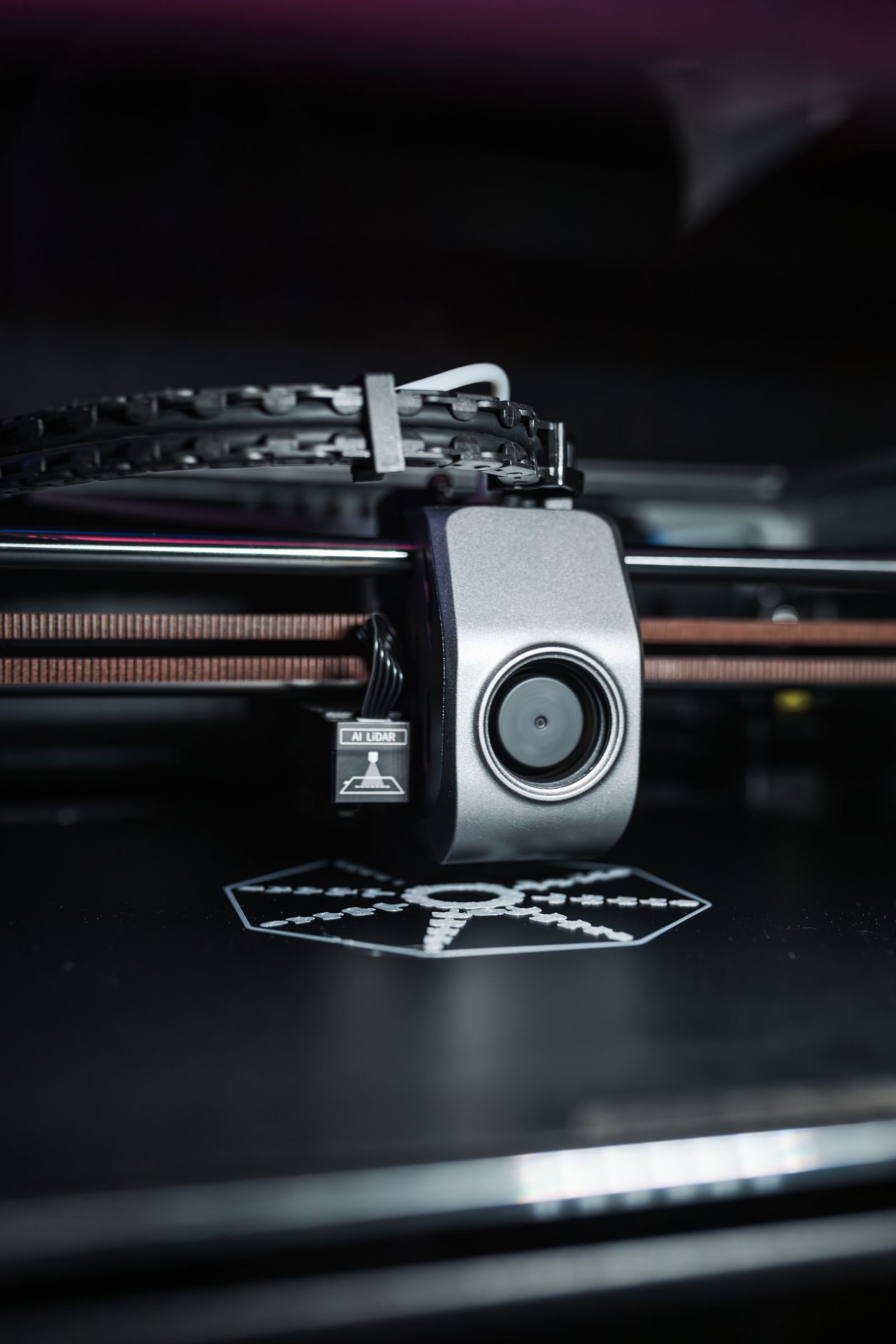
# 23. FDM 3D Printers Explained
FDM is one of the most common technologies used in consumer 3D printers.
FDM stands for fused deposition modeling, although the process is also commonly described as fused filament fabrication.
Instead of using liquid resin, an FDM printer melts plastic filament and deposits it layer by layer to create a physical object.
01
How does an FDM 3D printer work?
A spool of filament feeds into the printer's extruder.
The material is pushed toward a heated nozzle, where it melts.
The print head then moves across the build area, depositing a thin line of molten plastic.
Once one layer is complete, the printer moves to the next layer.
This process repeats hundreds or thousands of times until the entire model is finished.
02
What materials do FDM printers use?
PLA is one of the most popular filaments because it is relatively easy to print.
Other common materials include:
- PETG
- ABS
- ASA
- TPU
- nylon
- composite filaments
Each material behaves differently.
Some require higher temperatures, enclosed printers or specialized print surfaces.
Beginners usually start with PLA because it tends to be more forgiving.
03
Are FDM printers good for beginners?
Yes.
Many beginner-friendly consumer printers use FDM technology.
Modern machines increasingly include features such as automatic bed leveling, filament detection and automated calibration.
These features reduce the amount of manual adjustment required before printing.
If you are comparing machines, see our 3D printer recommendations.
04
FDM vs resin 3D printing
FDM and resin printers create objects differently.
FDM melts and deposits filament.
Resin printers use liquid photopolymer resin that hardens when exposed to light.
Resin printing can produce very fine detail, making it popular for miniatures and small models.
FDM printers are often better suited to larger functional parts, prototypes and household objects.
They also tend to involve less messy post-processing.
05
What can you make with an FDM printer?
Common projects include:
- organizers
- replacement parts
- prototypes
- brackets
- toys
- tools
- enclosures
- decorative models
The usefulness of an FDM printer depends heavily on the designs you print and your ability to create or modify 3D models.
06
What affects print quality?
Several factors can influence the final result.
Layer height affects how visible individual layers are.
Nozzle size affects detail and printing speed.
Temperature, filament quality, printer calibration and print speed also matter.
Even an expensive printer can produce poor results if the settings are wrong.
07
Are FDM printers expensive to run?
Filament is generally affordable for hobby use.
Electricity consumption and replacement parts also contribute to running costs, but material tends to be the main recurring expense.
Failed prints can increase material usage, especially while learning.
08
Are FDM printers safe?
The nozzle and heated bed can become extremely hot.
Keep hands away from moving or heated parts during operation.
Good ventilation is also sensible, particularly when printing materials that produce stronger fumes.
Follow the filament and printer manufacturer's safety guidance.
09
Practical checks before you continue
A slicer turns a three-dimensional model into layers and movement instructions for the printer. Layer height, wall count, infill, support and speed all affect time, strength and surface finish. Start with a tested profile for the exact printer and material instead of changing several values at once, especially when following our beginner 3D printer guide.
First-layer consistency is the foundation of a reliable print. The bed must be clean, the nozzle correctly spaced and the build surface suitable for the filament. Automatic levelling helps measure the bed, but it cannot compensate for grease, a damaged plate or an incorrectly assembled hot end. See our 3D printer shortlist for current hardware approaches.
PLA is an approachable starting material, while PETG, ABS, ASA and flexible filaments introduce different temperature, enclosure and ventilation needs. Heated nozzles and beds can burn, and some materials release more particles or fumes than others. Use the machine in a stable, ventilated location away from children and unattended hazards.
Routine care includes removing debris, checking belt tension according to the manual, inspecting the nozzle and keeping filament dry. A clogged nozzle is not always a temperature problem; moisture, contamination or a gap in the filament path can contribute. For lower-cost machines, compare our budget 3D printer guide without assuming that every upgrade is essential.
Sources and further reading
We use primary and specialist sources to check the principles in this article. Product recommendations are researched separately.

