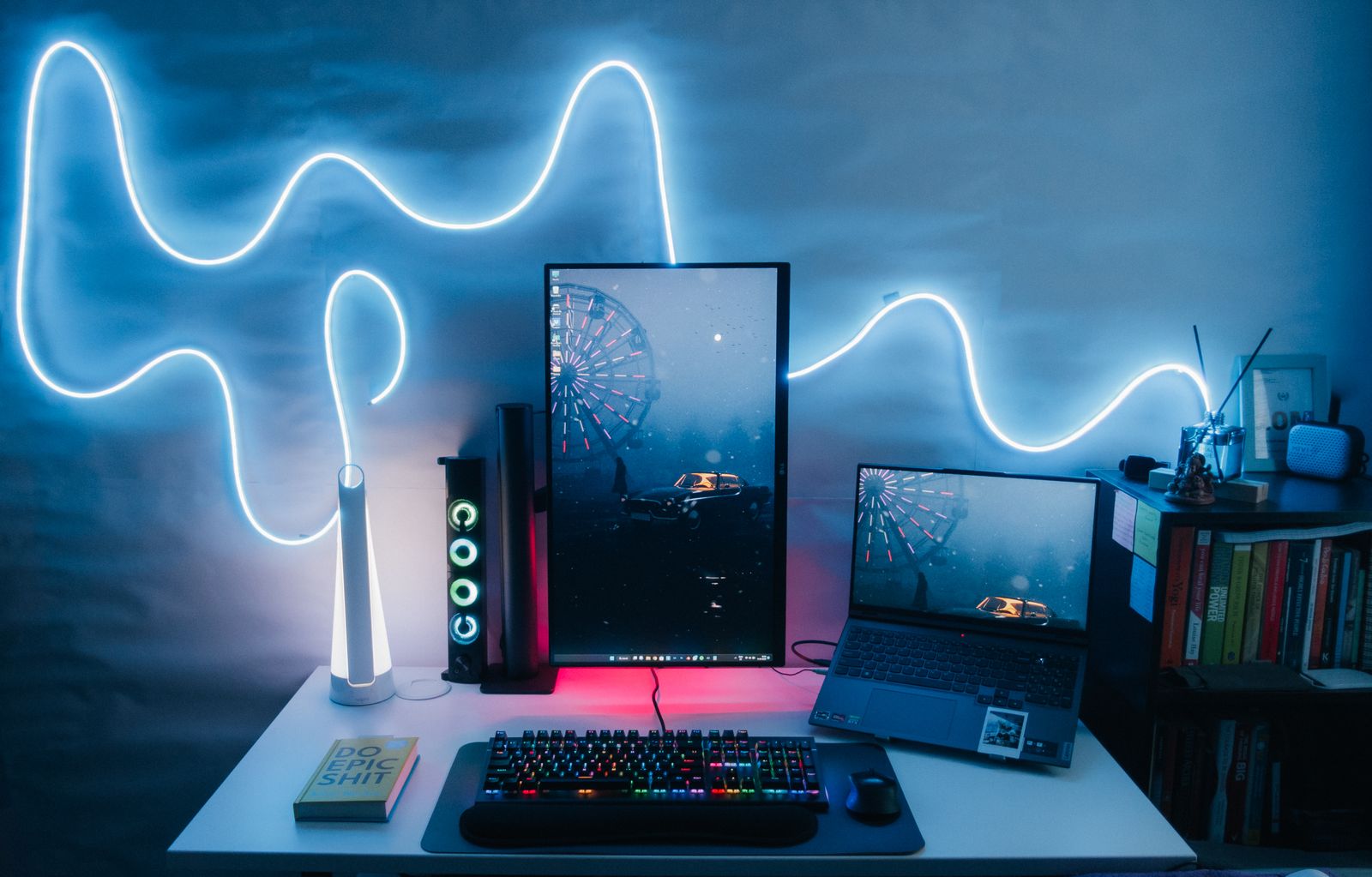
A vertical monitor is simply a standard display rotated 90 degrees so that it is taller than it is wide.
This setup is especially useful for tasks that involve long pages, documents, code or feeds because more vertical content can fit on screen at once.
It is not the best choice for every type of work, but as a second monitor it can be surprisingly practical.
01
What is a vertical monitor?
Most monitors use a landscape orientation, which means the screen is wider than it is tall.
A vertical monitor uses portrait orientation instead.
The display itself does not necessarily need to be designed specifically for vertical use. Many regular monitors can rotate if the stand supports pivoting or if they are attached to a compatible monitor arm.
You then change the display orientation in your operating system.
02
What are vertical monitors good for?
Vertical monitors are particularly useful for:
- coding
- reading long documents
- writing
- web browsing
- social media feeds
- chat applications
- research
Programmers often use them because more lines of code can be displayed without scrolling.
Writers and editors can also view a larger portion of a document at once.
03
Are vertical monitors good for gaming?
Usually not as a primary gaming monitor.
Most games are designed for landscape displays, so a vertical screen does not make good use of the available space.
However, gamers and streamers sometimes use a vertical secondary monitor for Discord, chat, streaming controls or monitoring software.
Your main gaming display can remain horizontal.
04
What monitor size works best vertically?
A 24-inch or 27-inch display is often a practical size.
Very large screens can become unusually tall when rotated, forcing you to move your head more than necessary.
Resolution also matters.
A higher-resolution vertical screen can make text sharper and provide more usable workspace.
See our guide to computer monitor resolution for a breakdown of common resolutions.
05
Do you need a special stand?
The monitor's included stand must support pivot rotation if you want to turn it vertically without buying additional hardware.
If it does not, a VESA-compatible monitor arm may be an alternative.
Check the monitor's VESA pattern and the arm's supported weight before buying.
06
How do you rotate a monitor vertically?
First, physically rotate the screen.
Then open your operating system's display settings and change the orientation from landscape to portrait.
Make sure the screen is stable before rotating it, especially if you are using a monitor arm.
07
Vertical monitor as a second screen
This is where portrait orientation makes the most sense for many users.
A typical setup might include a 27-inch landscape display for primary work and a smaller vertical monitor beside it for communication, research or documents.
This gives you the benefits of both orientations without forcing every application onto a portrait screen.
If you are choosing a display for your setup, browse our computer monitor recommendations.
08
Practical checks before you continue
Portrait orientation is most useful when the material itself is tall. A code editor, manuscript or message list can show more useful lines, but wide spreadsheets, timelines and video still fit landscape better. Test the applications you use every day before deciding that the screen should remain rotated.
Position the top of the active viewing area around eye level or slightly below, then move the display far enough away that you can read without repeated head movement. A narrow portrait screen may sit closer to the main display than a large one. Our home-office monitor guide covers ergonomic and connection trade-offs.
Confirm that the stand or arm supports the complete monitor weight and its VESA mounting pattern. Route cables with enough slack for rotation, and turn the panel slowly so connectors do not catch. If text looks soft after rotating, verify native resolution and scaling with our guide to blurry monitor text.
A trial is easy: rotate an existing compatible display, use it for a working week and note which windows stay there. If it becomes a permanent chat screen rather than a document screen, that can still be worthwhile. Compare current vertical monitor choices only after confirming the size and mounting arrangement you need.
Sources and further reading
We use primary and specialist sources to check the principles in this article. Product recommendations are researched separately.

