Standing Desk Height Calculator and Setup Guide

Find the correct standing desk height from your elbow position, then set your keyboard, monitor and sit-stand routine for a more comfortable workspace.

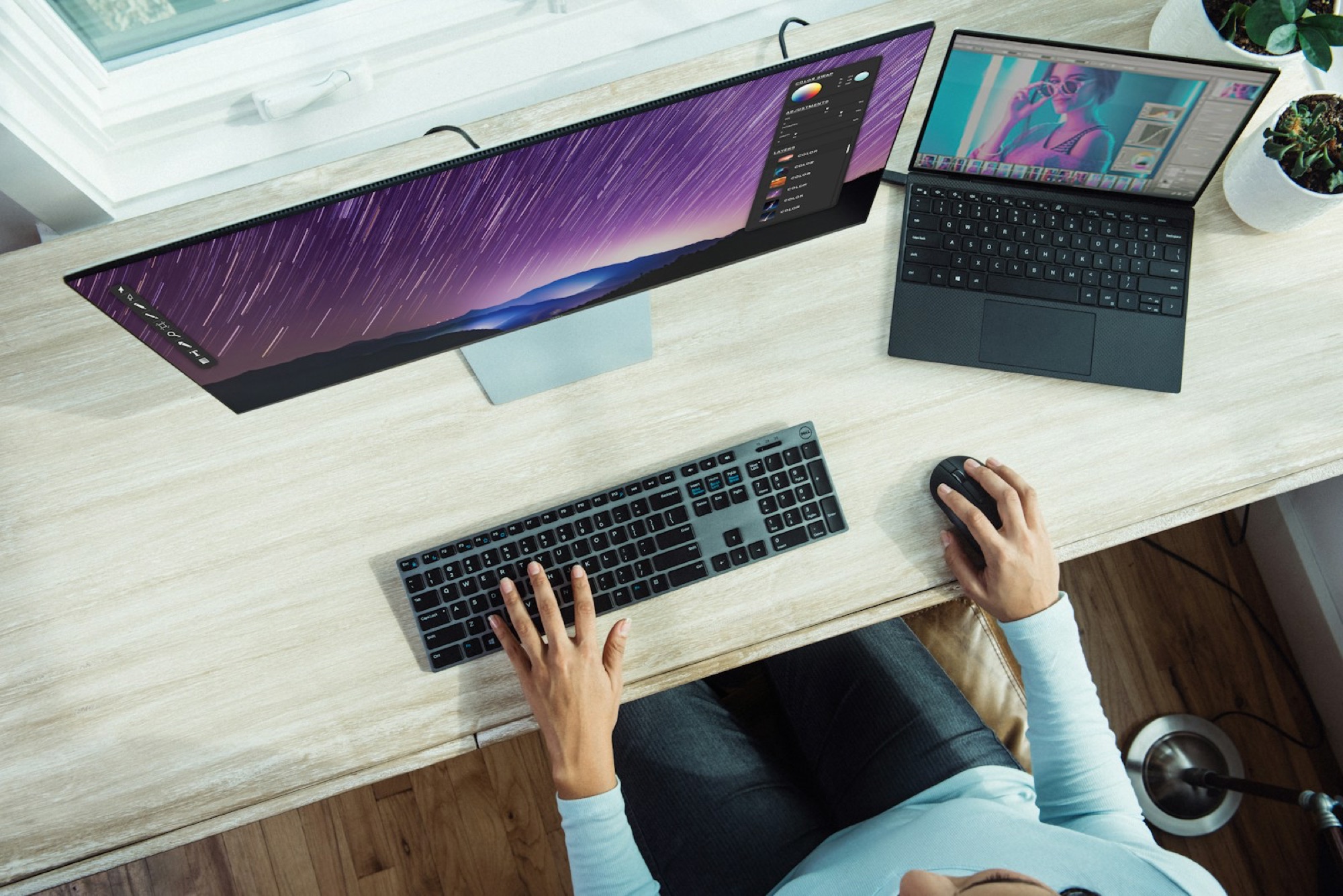
Person adjusting an electric standing desk to elbow height
Photo: Unsplash

If your standing desk leaves you shrugging at the keyboard or bending your wrists, the preset is wrong—even if a height chart says otherwise. A standing desk height calculator is only a starting point. Begin around relaxed elbow height, then adjust for your shoes, keyboard and body proportions. If you are still choosing the desk itself, our best compact standing desks guide includes models with useful adjustment ranges.

01

Calculate a starting desk height

Put on the shoes you usually work in and stand on the mat you intend to use. Let your shoulders drop, keep your upper arms by your sides and bend the elbows naturally. Measure from the floor to just below the elbow; that is a sensible first setting for the keyboard surface.

Now trust your body more than the number. Raised shoulders mean the desk is too high. Wrists bent upward usually mean the keyboard is too high or too far away. Move the mouse close enough that you are not reaching. Two people of the same height can need different settings because leg, torso and arm proportions vary.

02

Set the screen independently

The screen does not have to follow the keyboard. Raise or lower it until your head feels neutral and your eyes fall slightly downward toward the working area. Screen size, viewing distance and glasses all change the comfortable position, which is why a monitor arm is often more useful than another desk preset.

A laptop forces the screen and keyboard to travel together. For longer sessions, add an external keyboard and mouse, then raise the laptop separately. Our monitor size and resolution guide helps with distance when the display is larger.

03

Check seated height and the desk’s range

Do not forget the sitting position. Set up your office chair to fit your body, measure seated elbow height and compare it with the desk's true minimum, including the thickness of the top. Many desks go high enough; fewer go low enough for a shorter user.

Desk depth matters as well. A shallow top can put a big monitor uncomfortably close, while crossbars and thick edges may block clamps or knees. A USB-C dock can make the cable change between sitting and standing cleaner, provided every lead has enough slack.

04

Alternate instead of standing all day

The point of a sit-stand desk is movement, not winning an endurance contest. Start with short standing spells and change position before discomfort forces you to. An anti-fatigue mat and supportive shoes can help, but a brief walk does more than another hour of standing still.

Once the setup feels right for several days, save the presets. Recheck them when you change shoes, add a mat or bring in one of our shortlisted ergonomic office chairs. Raise the desk slowly to full height and watch every cable; nothing should pull tight or catch on the frame.

The correct height is not a universal number. It is the position where your shoulders relax, your wrists stay neutral and you can move between sitting and standing without rebuilding the workstation.

Sources and further reading

We use primary and specialist sources to check the principles in this article. Product recommendations are researched separately.

Good questions

FAQ — Standing Desk Height Calculator and Setup Guide

01What is the correct standing desk height?+

The keyboard surface should start near standing elbow height, with relaxed shoulders and elbows bent around 90 degrees. Fine-tune from there because body proportions, footwear, mats and keyboard thickness make generic height charts approximate rather than exact.

02How do I calculate standing desk height?+

Stand naturally in your usual work footwear, bend your elbows and measure from the floor to their underside. Set the keyboard surface close to that measurement. Lower it if your shoulders lift or wrists bend upward, and adjust the display separately.

03Should my standing desk be at elbow height?+

Yes, elbow height is a sensible starting point for keyboard work. The surface may sit slightly below the elbow depending on your keyboard and wrist position. It is not a universal fixed measurement; comfort and neutral posture should guide small adjustments.

04How high should my monitor be at a standing desk?+

Set the monitor independently so you can view it with a neutral head and a comfortable downward gaze. The top of the screen is not an absolute target. Screen size, viewing distance, eyewear and your main working area all affect placement.

05How far should I stand from a standing desk?+

Stand close enough that your elbows remain near your torso and you can reach the keyboard and mouse without leaning. Keep enough room to shift weight and step away easily. The display should remain at a comfortable viewing distance.

06How long should I stand at a standing desk?+

There is no perfect universal interval. Start with short periods, change position before discomfort and build a routine that includes sitting, standing and walking. Standing motionless all day simply replaces one sustained posture with another.

07Do I need an anti-fatigue mat?+

It can make standing more comfortable, especially on hard floors, but it is optional. A mat changes your effective height, so calculate desk settings while standing on it. It does not replace regular movement or suitable footwear.

08Why does my standing desk hurt my wrists?+

The surface may be too high, causing the wrists to bend upward, or the keyboard may be too far away. Lower the desk, bring input devices closer and keep the forearms supported by a relaxed shoulder position rather than pressing wrists into an edge.

09What if my standing desk does not go low enough?+

Adjust the chair higher and use a stable footrest if that creates a comfortable seated position. If the mismatch remains substantial, a keyboard tray or lower-range desk frame may be necessary. Check desktop thickness before changing equipment.

10Is a standing desk healthier than sitting?+

It makes changing posture easier, which can reduce uninterrupted sitting, but standing continuously is not the objective. Comfort and wellbeing depend on movement, task variation and a suitable complete workstation. A standing desk is a tool, not a medical treatment.

Good things, occasionally.

Five useful recommendations in one quiet email.