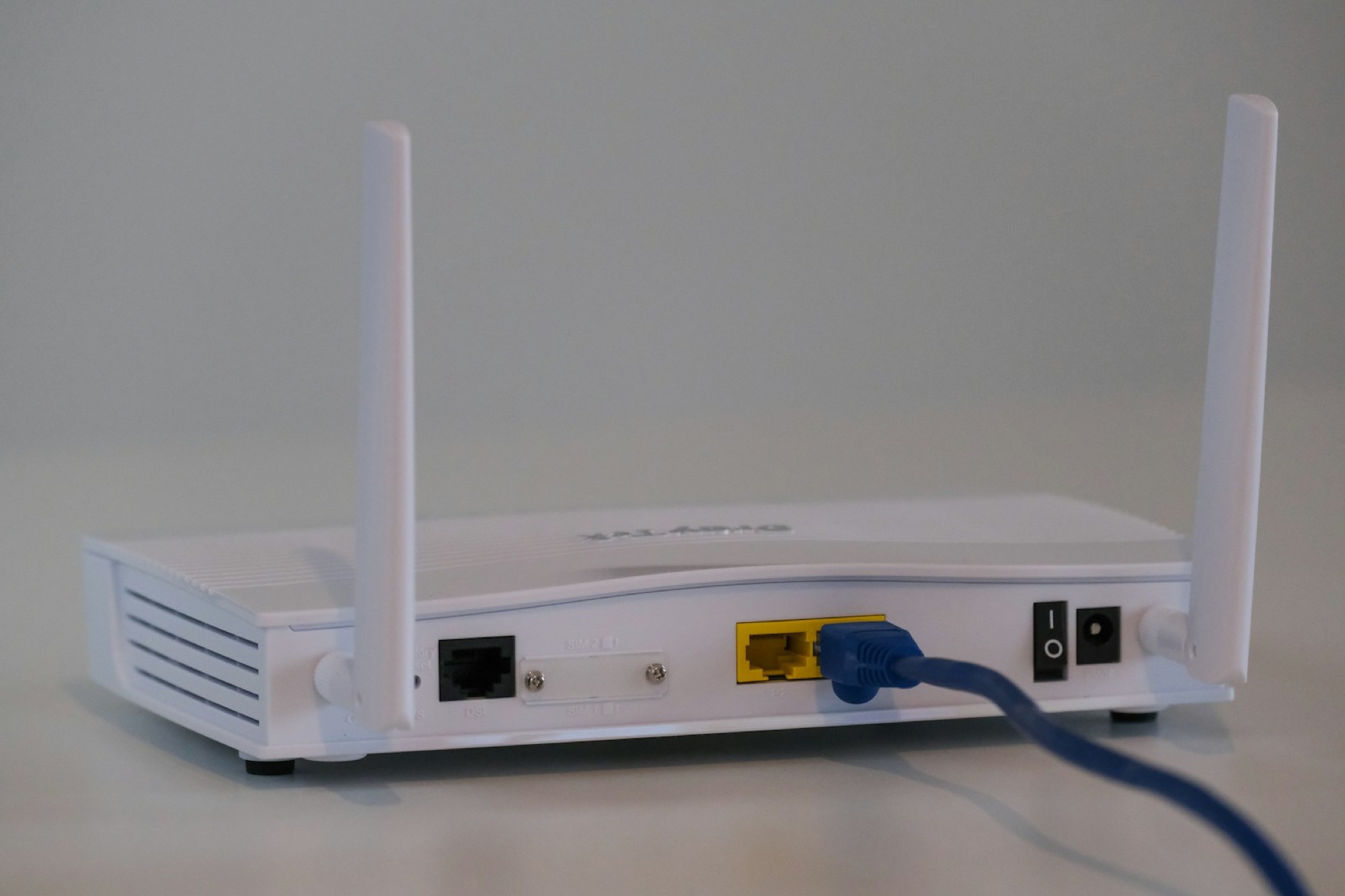
If Wi-Fi works in the living room but not in one bedroom, an extender may be enough. Mesh Wi-Fi makes more sense when several rooms have problems or calls drop as you move between floors. Before you buy anything, move the router out of the cabinet. A central and open spot may fix the problem for free. If you still need mesh, compare our best mesh Wi-Fi systems.
01
Try the free fixes first
Routers work badly when they are hidden. Keep yours away from the television and large metal objects. Put it in an open spot and check for updates. In a busy apartment building, changing the Wi-Fi channel may also help.
Test the signal halfway between the router and the weak room. An extender or mesh node needs a healthy connection of its own; placing it inside the dead zone only repeats a bad signal. If running Ethernet is realistic, a wired access point remains the most dependable solution.
02
When an extender makes sense
An extender makes sense when one small area needs help and the main router performs well everywhere else. It is inexpensive, quick to install and often enough for a spare room, garage edge or small garden. Placement matters more than the promise on the box.
The compromise is roaming and speed. Some extenders create another network name, and phones do not always switch at the right time. Even with one name, a device may cling to the distant router. The extra wireless hop can also reduce throughput, particularly on models that use the same radio to talk to the router and your devices.
03
When mesh earns the cost
Mesh earns its price in awkward homes: several floors, thick walls and more than one coverage gap. The nodes coordinate through one interface and generally make moving around the house less frustrating, although the phone still has a say in when it roams.
Do not scatter nodes everywhere. Too close and they create needless overlap; too far apart and they cannot communicate well. Start with the smallest sensible kit, test it, then add a node only where the results justify it. For a fixed workstation, wired Ethernet through a dock is still wonderfully predictable.
04
How mesh nodes connect
Backhaul is simply the connection between mesh units. Ethernet backhaul keeps more wireless capacity available for phones and laptops. Wireless backhaul is easier; tri-band systems may reserve a radio for it, while dual-band nodes share more of their airtime.
Check how the new system works with the ISP router. Two devices both trying to act as the router can create double NAT and make gaming or remote access awkward. Also remember that stronger coverage cannot make the incoming broadband faster. For an office, coordinate the network with your monitor and desktop setup and use our portable power station guide if outage runtime matters.
Measure before and after in the same rooms, on the same device, at busy times. One dead zone points to an extender; several weak areas or bad roaming point to mesh. The bars are less important than stable speed, latency and calls that do not drop.
Sources and further reading
We use primary and specialist sources to check the principles in this article. Product recommendations are researched separately.
